








![[Elite Screens] Aeon CLR 2 Series - Shop Elite Screens](http://shop.elitescreens.com/cdn/shop/products/AeonCLR2_Front.jpg?v=1759292769&width=1946)
![[Elite Screens] Aeon CLR 2 Series - Shop Elite Screens](http://shop.elitescreens.com/cdn/shop/files/Aeon_CLR2_app05.jpg?v=1759292770&width=1946)
![[Elite Screens] Aeon CLR 2 Series - Shop Elite Screens](http://shop.elitescreens.com/cdn/shop/files/Aeon_CLR2_app04.jpg?v=1759292770&width=1946)
![[Elite Screens] Aeon CLR 2 Series - Shop Elite Screens](http://shop.elitescreens.com/cdn/shop/files/Aeon_CLR2_app03.jpg?v=1759292770&width=1946)
![[Elite Screens] Aeon CLR 2 Series - Shop Elite Screens](http://shop.elitescreens.com/cdn/shop/files/Aeon_CLR2_app02.jpg?v=1759292770&width=1946)
![[Elite Screens] Aeon CLR 2 Series - Shop Elite Screens](http://shop.elitescreens.com/cdn/shop/files/Aeon_CLR2_app01.jpg?v=1759292770&width=1946)
Elite Screens
[Elite Screens] Aeon CLR 2 | ALR/CLR EDGE FREE Fixed Frame Projection Screen, 103/123" in 16:9 Format
[Elite Screens] Aeon CLR 2 | ALR/CLR EDGE FREE Fixed Frame Projection Screen, 103/123" in 16:9 Format


• Gain : 0.9
• Viewing Angle : 160°
Description
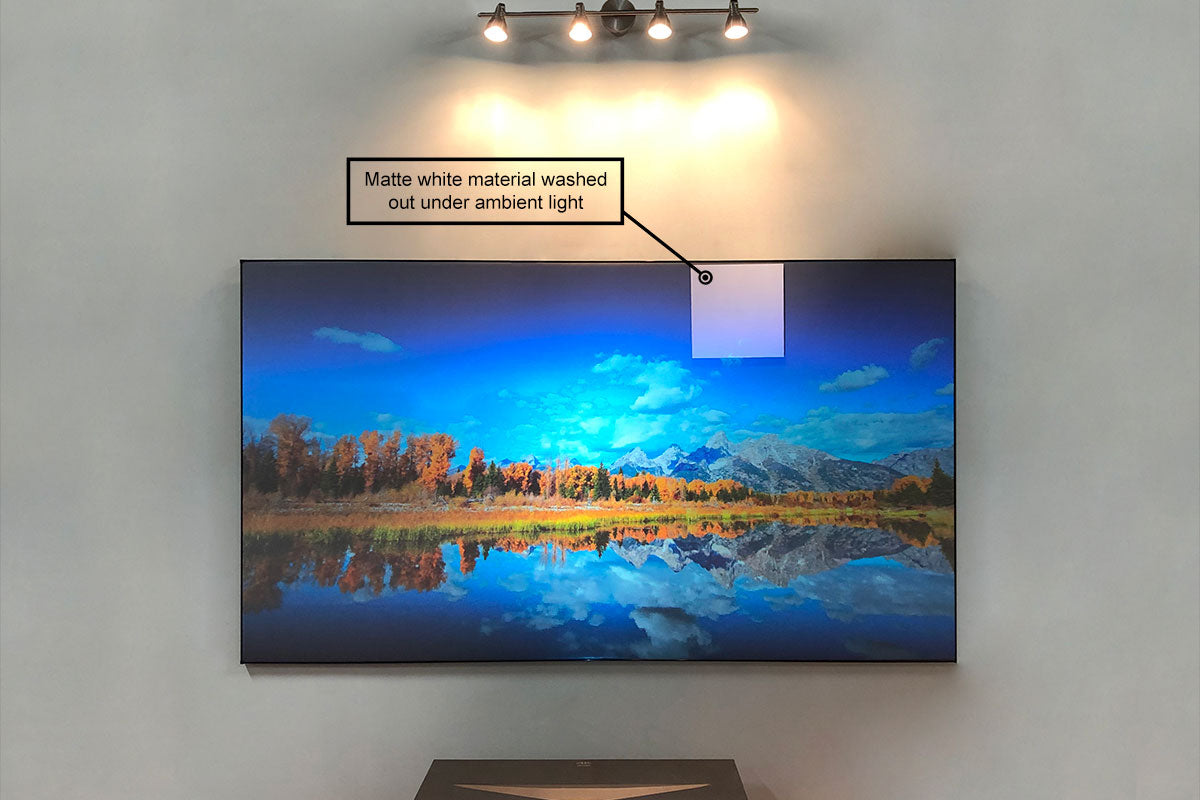
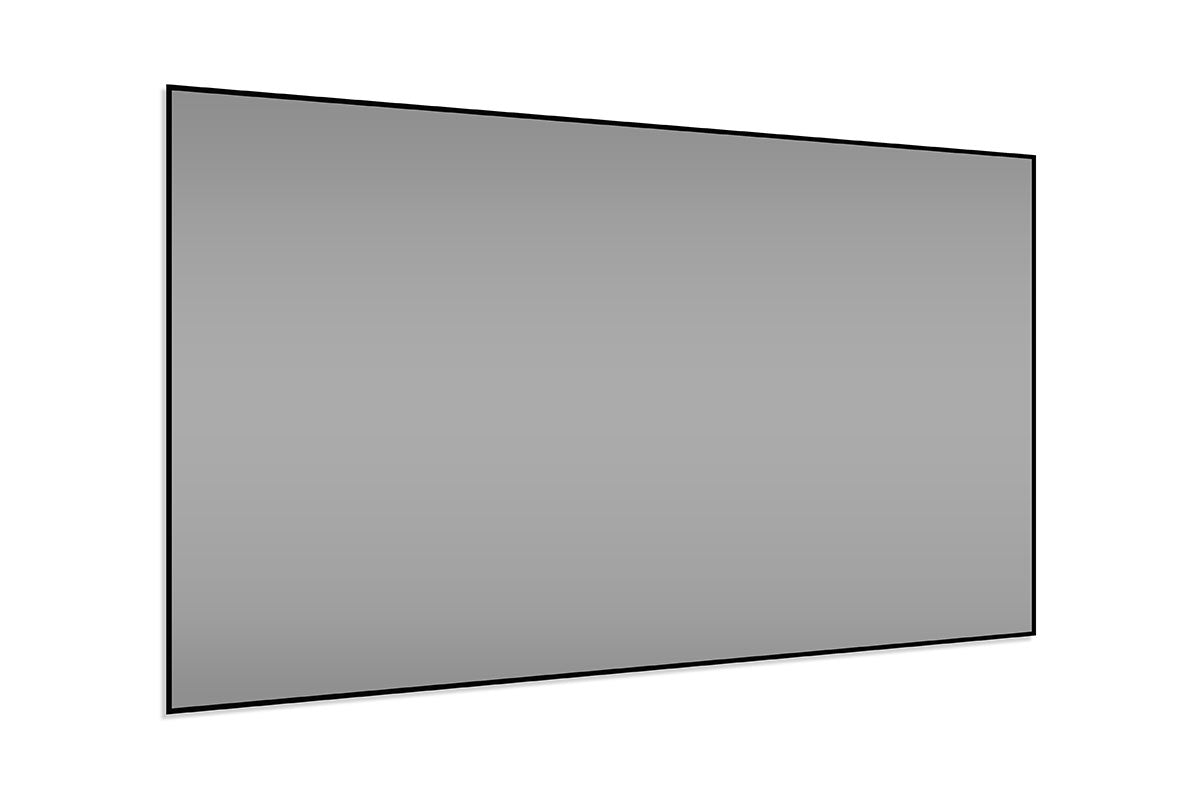
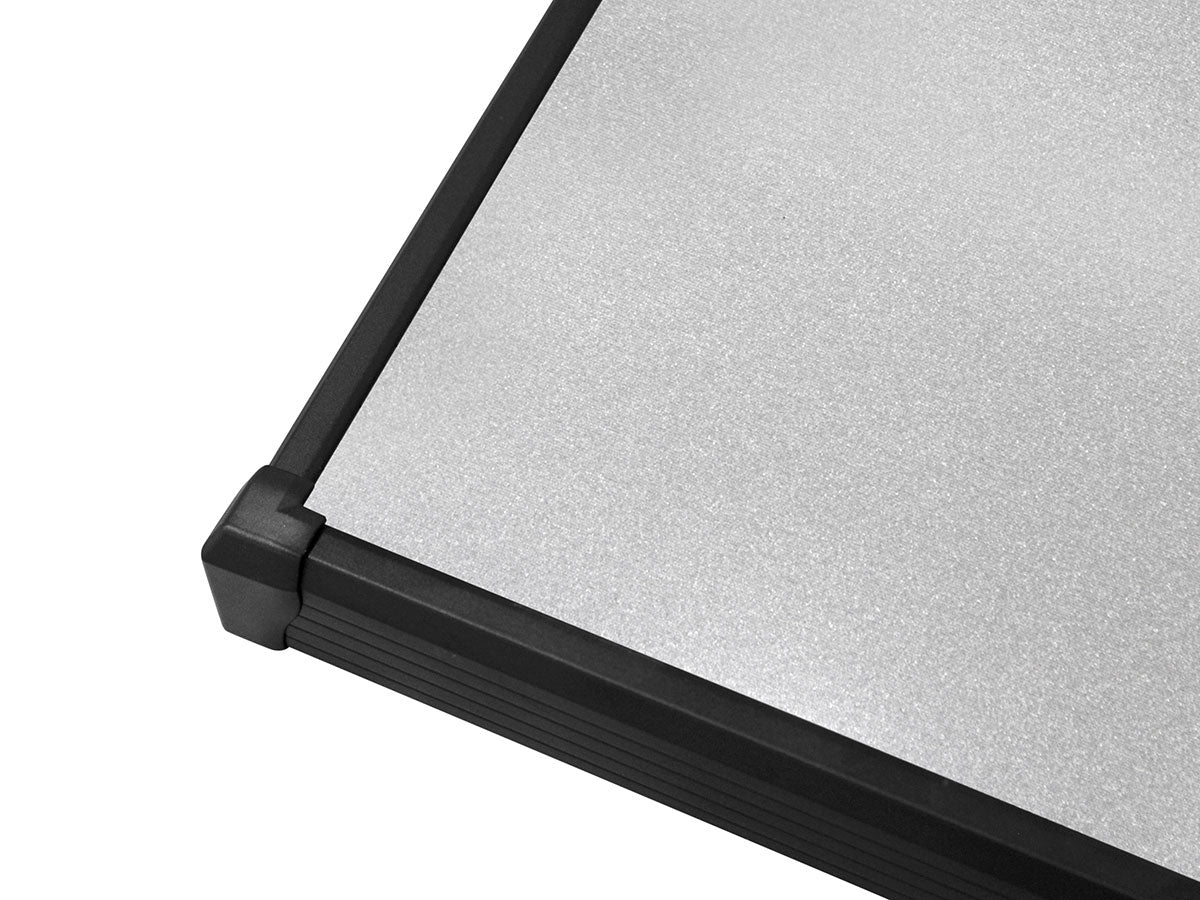
The Aeon CLR® 2 is an EDGE FREE® ceiling and ambient light rejecting (ALR/CLR®) projection screen. It specializes in negating the washout effect caused by overhead and other off-axis light sources. This technology allows the CLR® 2 material to display true image brightness, color saturation and contrast for superior picture performance. As an added value, the CLR® 2 has superb black-white dynamic range over a non-textured, smooth surface that enables compatibility with 4K/8K resolution projectors. The CLR® 2 features a durable scratch-resistant coating that is easy to clean and will protect the material through many years of use. This screen material is designed for use with ultra-short throw table-top configurations as well as short throw projector arrays. An ultra-thin bezel enhances the aesthetics by providing that giant flat panel TV appearance at a fraction of the cost.
Product Features
Screen Material
- CLR® 2 Ceiling Light Rejecting® material absorbs up to 90% of overhead lighting
- 50x contrast improvement over matte white under ambient light room conditions
- ISF Certified for Accurate Color Reproduction
- Anti-scratch and easy to clean
- Black-backing (non-opaque) enhances image brightness
- Compatible with Ultra and Short-throw Projectors
(Check EliteProjector® Ultra-Short Throw Projector) - Active 3D and 4K/8K Ultra HD Ready, smooth non-textured surface
Design and Installation
- Sleek EDGE FREE® Fixed Frame resembles a life-size flat panel TV display
- Lightweight aluminum split-frame design
- Wraparound design maximizes viewing area and reduces overall footprint
- Ultra-thin black bezel trim
- Project within a short distance without shadowing the picture
- Designed for table-top ultra or short-throw projectors
- LED Backlight kit included
Quality and Reliability
- 2-year limited warranty, and 3-year warranty for ENR-G – Education, Non-profit, Religious and Government/Military organizations
- Lifetime Tech Support by Elite Screens Professional Service Team through Email, Phone or Online Form.
Downloads
Dimensions Table
User Guides
Comparison Tables
- CLR/ALR Materials Comparison
- Fixed Frame Comparison Table
- ALR/CLR Fixed Frame Comparison Table
- All Screen Materials
Others
Shipping & Returns
Shipping & Returns
📝 Our Shipping & Return Policy
📩 Request a Shipping Quote (AK, HI, PR and Canada)
- Purchase Orders for GROUND shipping service received by 5:00 PM (PST) are processed to be shipped from Elite’s warehouse within 2-5 business days. You will receive an email confirmation when your order has shipped.
- All orders are fulfilled Monday through Friday, excluding weekends and holidays. We are not responsible for unexpected shipping delays caused by circumstances related to the courier, weather or state of emergency.
- Oversize Shipping : If your order is shipped via Pilot Freight Services, they will contact you to schedule a delivery.
SKU:AR103H-CLR2
Couldn't load pickup availability

Screen Material Information
| Screen Material Name | CLR® 2 |
| Description | The CLR® 2 is a front projection screen material that rejects overhead lighting and is made specifically for table-top short and ultra-short throw projectors. CLR®2 is designed using optical layers while the scratch-resistant laminate coating allows the material to double as a dry-erase “whiteboard”. |
| Type of material | Silver/Gray (PET) |
| Reflective technology type | Retro-Reflective |
| Ambient Light Rejecting | Yes (up to 90%) |
| Gain | 0.9 |
| Viewing Angle | 160° |
| Minimum Throw | 0.16 - 1.2 x Image Width |
| Black backing | Yes |
| 3D Ready | Active |
| Scatch-resistant | Yes |
| 4K/8K Ultra HD Ready | Yes |
| ISF Certified | Yes |
| Projection Type | Front |
| Projector Type Compatible | Ultra-short / Short-Throw (tabletop only) |
| Best for environments | Moderate ambient light control rooms and dark rooms |
| Recommended for | Excellent black level performance and accurate color reproduction, especially in dark rooms. Preserves color purity under ceiling lights. |
This screen works well with my Samsung laser projector. Color is more vibrant and it works with ambient light in the room too. Contrast is much better than projecting on the wall. Took some time and effort to install and mount it on the wall.

En general es muy buena pantalla muy buen contraste con luces encendidas y apagadas es donde realmente luce, cuanto con un domo en donde entra la luz exageradamente y aún así cumple con su cometido, con las luces del cuarto se defiende muy bien, se necesitan dos personas para el armado lo debes saber, la única cosa por la que no tiene 5 estrellas es que se rompió unos de los ojales ya que se estira con resortes en la párate posterior, no se deformó el material espero que así siga por muy tiempo, definitivamente recomiendo esta inversión ya que es por muchos años.


Nothing short of amazing!!!
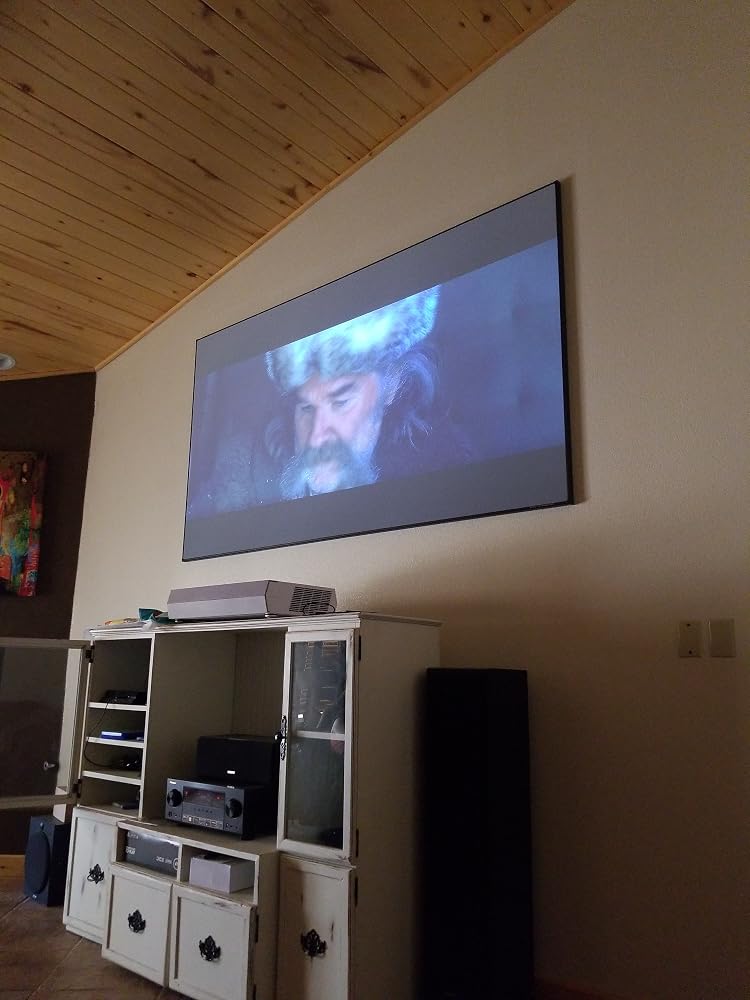
Good CLR screen to pair with my Dell 4K UST projector. The assembly and mount of the screen need handy man skills and take about 1.5 hours. Overall it is the best value in its class.
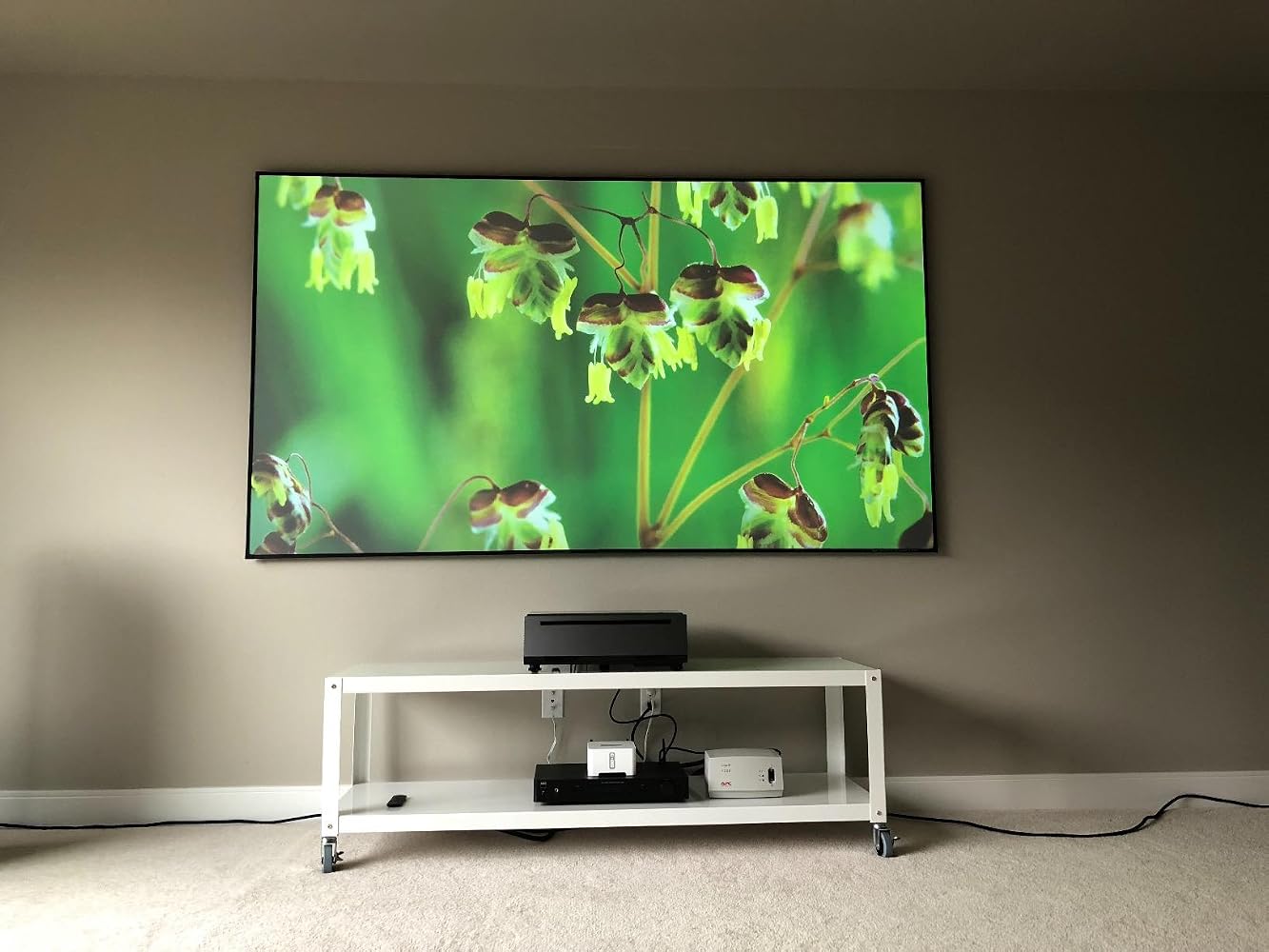
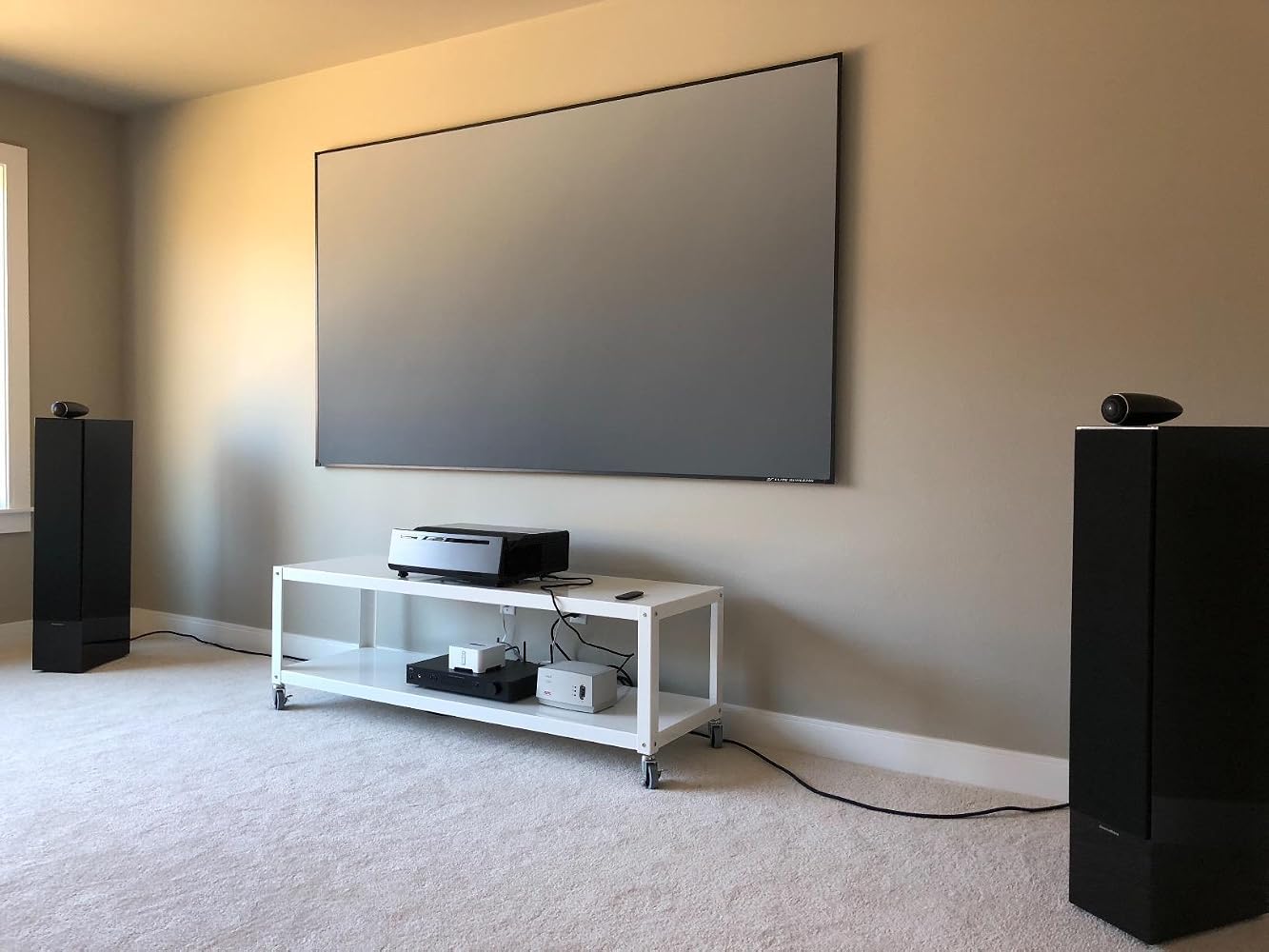
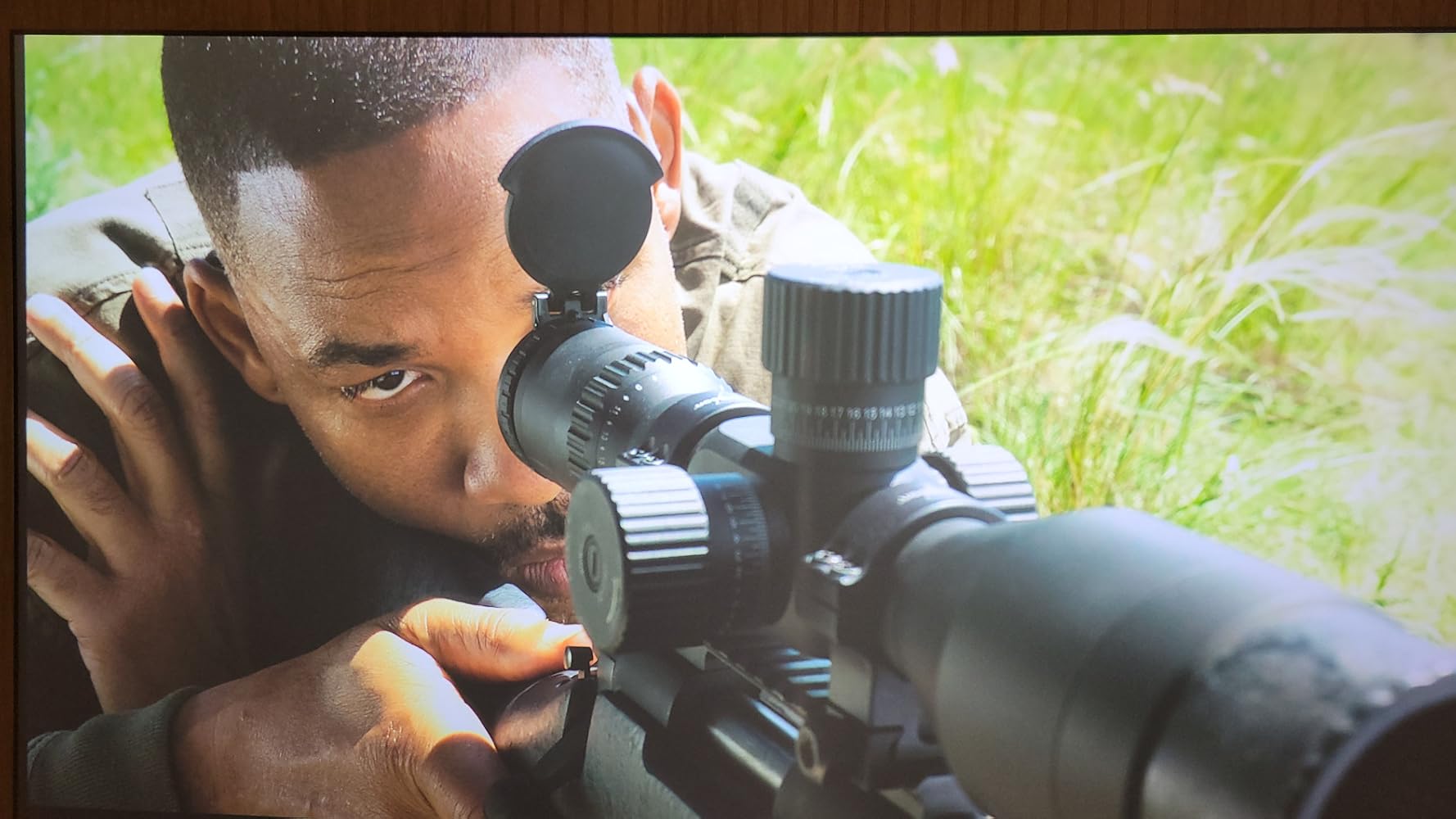
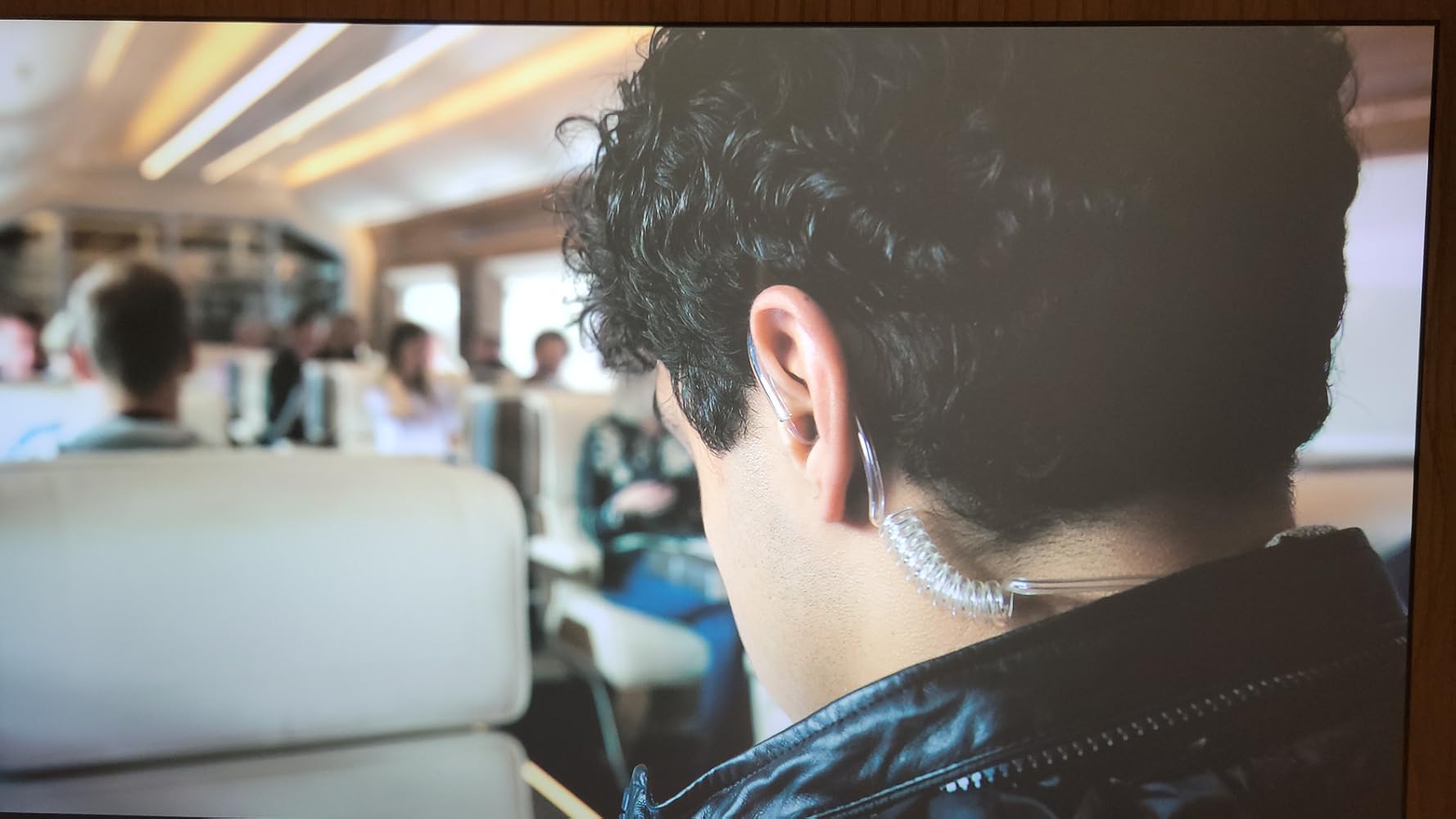
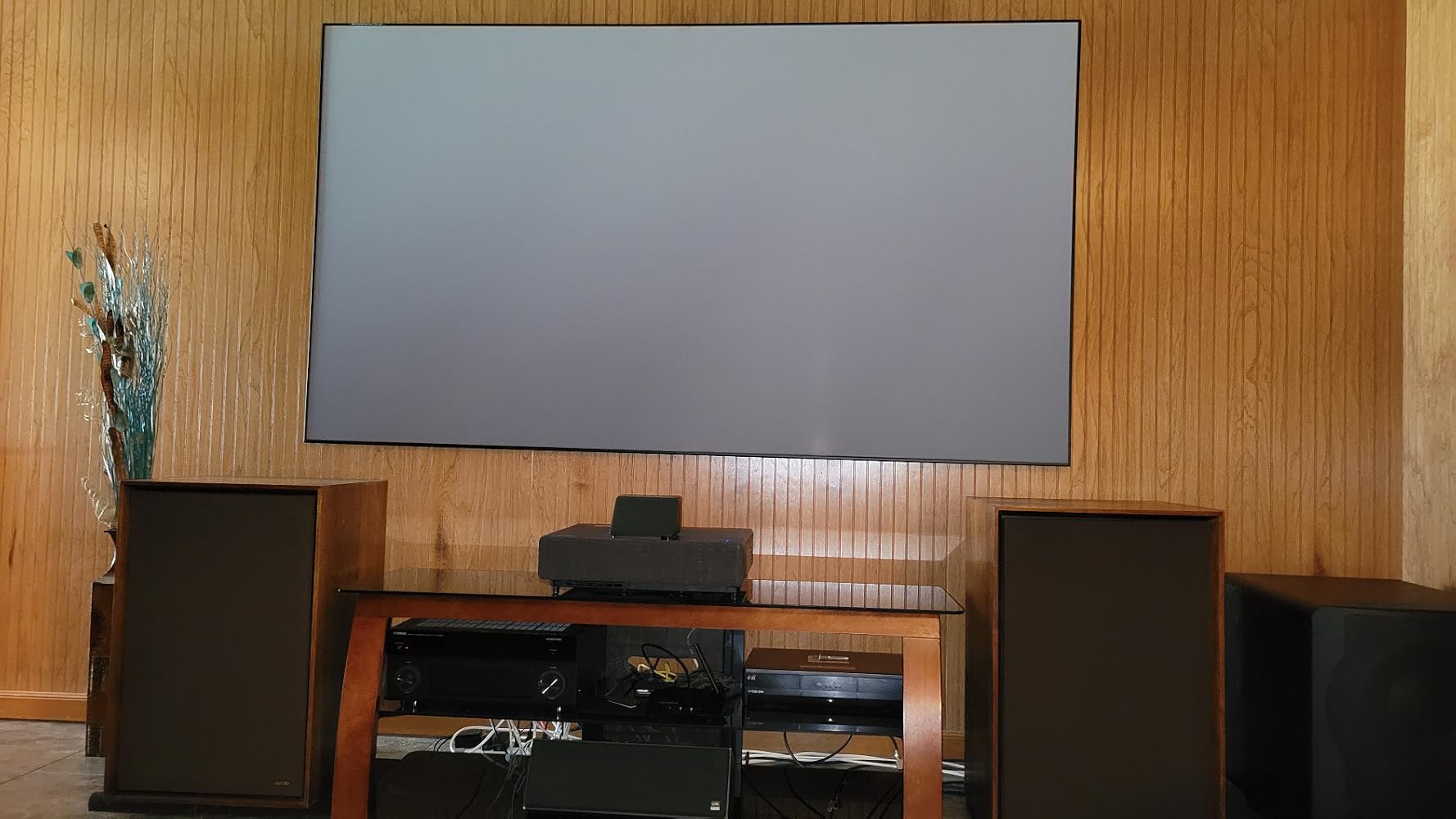
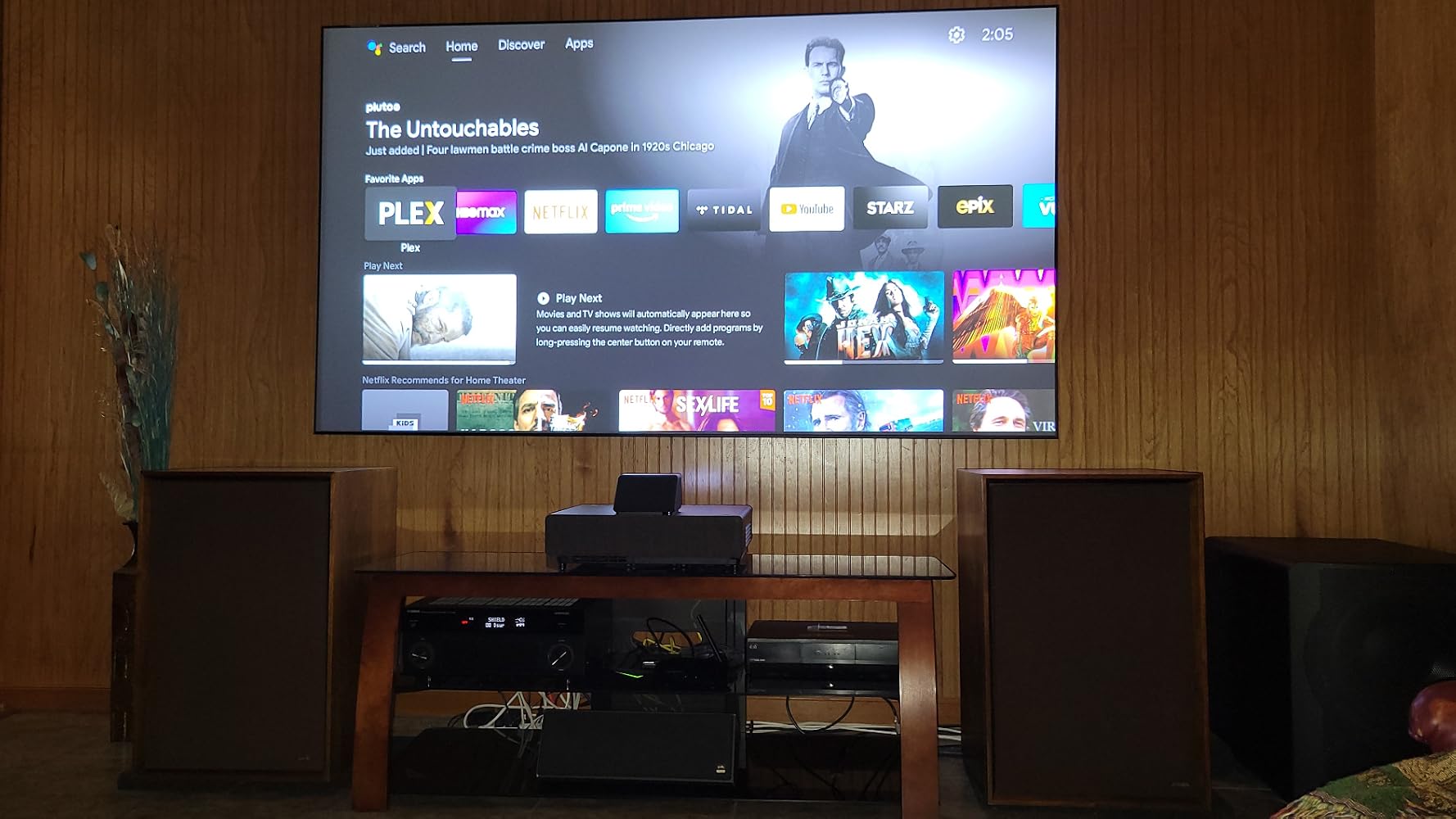
I am using a Ultra Short Throw (UST) Epson LS500 with this screen and I have never seen a picture this good.The instructions are very lame and could use a lot of improvements. For $1000, instructions could be better laid out. Example, there is a mallet to use for the center bar. Now depending on which Elite instructions you follow, this mallet might not be necessary. The instructions that come with this says that you install the center bar prior to attaching the screen to the frame. If you go about this way, then there is absolutely no need for the mallet. However if you look up the instructions on their website, then you install the screen first, then install the center bar which will require the use of the mallet. Go figure.There are 2 different types of springs used. You attach the screen to the frame via one type of spring and another spring you attach the small black border frame. Not a bad concept. However a couple of things. First the frame should be marked as to where the spring should be affixed to. The springs are cheap. They have to be stretched to connect the screen and if you disconnect the spring, it does not coil back. It is permanently stretched. Cheap. So if for some reason when you have the screen assembled and it is not laid out correctly to the frame, then the only recourse is to disassemble and then reassemble. If this is needed to fix the screen layout, then all of your springs are stretched for reassembly. Again Cheap.There is a 2nd set of springs which is for the small outer black frame and these springs hook up to a different area in the main frame. Again, this should be marked on the frame as to where it is to be attached. Again, this is a $1000 screen.Hanging the screen. You are practically on your own here. In Epson's case, there is a package - screen and projector together. From their website you can download a PDF to a computer or laptop and then project this file on the wall for alignment and placement of the wall brackets. Nice.This is fine for a Epson screen but for a aftermarket screen, the layout for the brackets are incorrect. This should be provided by the manufacturer of the aftermarket screen company. A simple PDF for bracket placement would simplify things greatly.It is like you hang the screen and then you put the projector where it needs to be to fit the screen.Everyone will have a table for the projector and each table will be a different height, not much but different. When you move the projector in or out to enlarge the display to fit the screen, the display on the wall will also go either up or down as you enlarge it or make it smaller depending on which way you move the projector (in or out).PROS2 pairs of gloves are provided. It is a 2 person job to hang the screen.Beautiful picture display.HDR is greatly benefited by this display.Packaging was very good.CONS2 pairs of gloves are needed. They stress how delicate this screen is and that gloves are needed to handle. This is just sad. What happens say 1 year or maybe 2 years go by? Does the quality of the screen display go down? You can't touch it so how do you clean it?Springs are cheap.No PDF download for Wall Bracket placement.They need to clean up and simplify their product lineup.All of these different products are without a la-men's explanation for the different screens. It was already confusing but with the introduction of UST projectors to the mix, it is now twice as confusing when trying to determine what is needed for your needs.Reading the other reviews posted here in which they are very dissatisfied with their purchase because of the poor picture quality, but the problems lies with their purchase. They purchased the incorrect screen for their projector. One reviewer has a UST projector and did not purchase a UST screen but a screen for a regular projector. A hugh screen at that. Well the end result will not be good with regard to picture quality and it is not the fault of Elite screens but it is Elite Screens fault for having this very confusing product lineup. They should at least at a minimum TOTALLY SEPARATE the UST screens from the rest of their lineup.Final ThoughtsThis screen replaced another Elite screen for another Epson rear mounted projector that died. Instead of going with another rear mount projector, I went with a UST Projector instead. On the old white screen, it has a very good display without any washouts. It was bright though. I knew that this was the incorrect screen for the new projector. After researching I went with this Elite screen in large part because it was an Elite that it was replacing.Once it was hanging on the wall, looking at this was a very dark grey screen. I had my doubts. Not for long. The blacks and the contrast just came alive. It was as if I had replaced the projector again with another. I then realized what all of the TV reviews over the years were always referring to about the blacks with relation to contrast in the display. This holds true to TV's as well as...
The media could not be loaded.
I decided to purchase the Elite Screen Aeon CLR 2 Series 103” from Amazon base on all the YouTube recommendations on how amazing this was. For my projector, I’m using the VAVA 4K projector. Here was the outcome of my purchase:Setup: Setup was pretty simple. Rather than using the instructions, I followed the visual YouTube tutorials. The instructions that came with the item aren’t really clear and with all these pieces it can get a bit scary. They also included a bunch of extra pieces (screws and connector) which wasn’t needed.Quality: great quality. Once the resistant springs were added the wavy parts of the screen were gone but after a week and a half they returned. Not sure if the tension loosened.Clarity and CLR - Ok, here is my big issue and I added photos and videos as proof. I spent $799 on this screen to reduce light from my windows near by (shades closed) but during the day, the screen is extremely washed out. There was no difference in the day to having a white wall vs a Aeon CLR screen. At nights, the brightness will pop. The screen looks amazing and the blacks are black.If your apartment has a lot of light, this screen isn’t worth it as you will struggle to view the pictures in the day. Great for a far room usage.
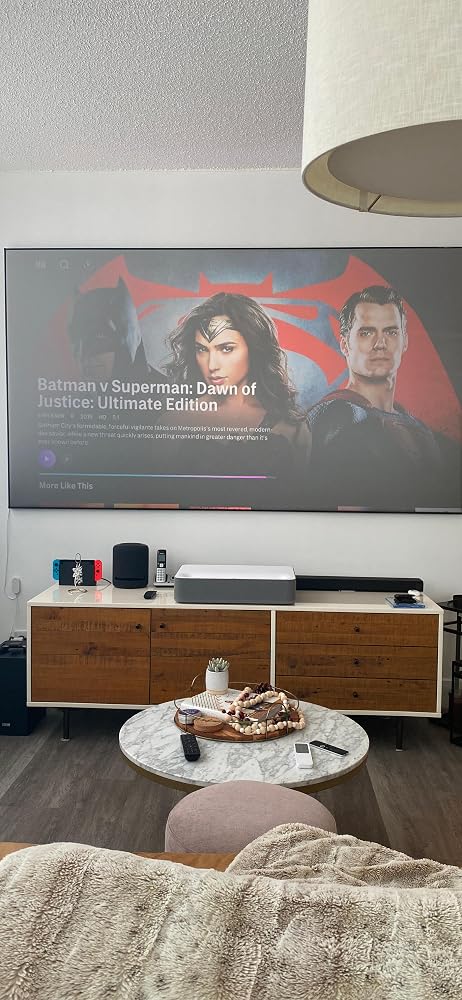
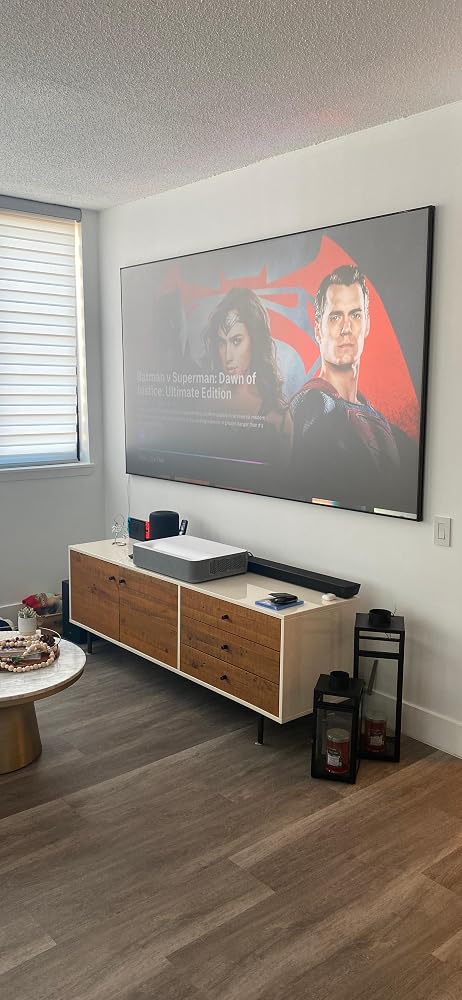
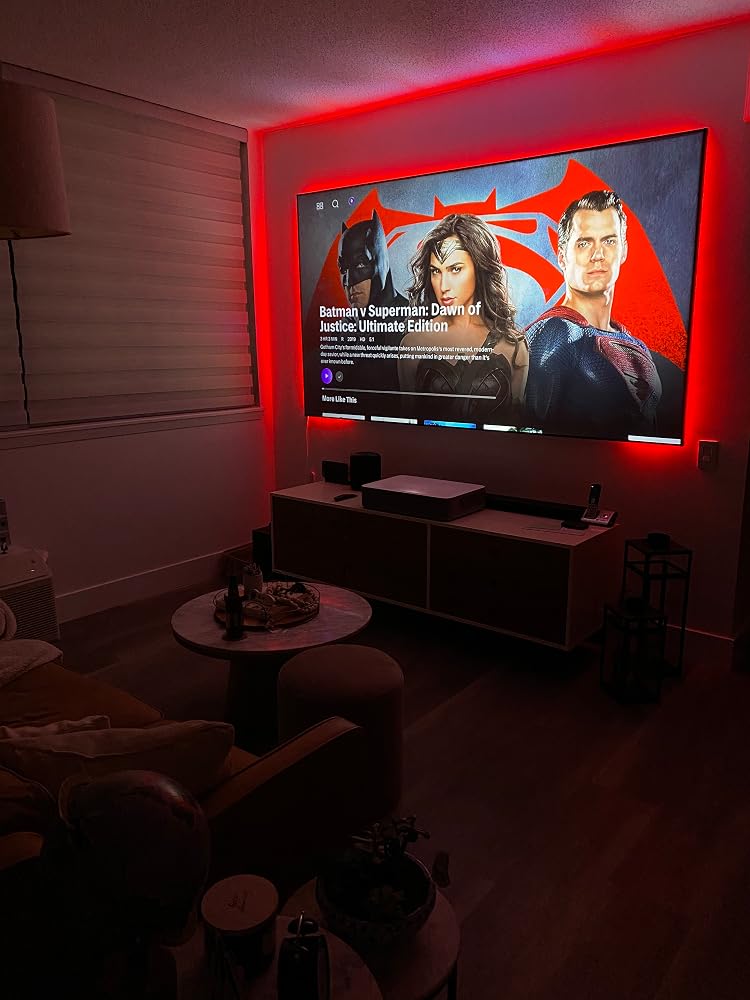
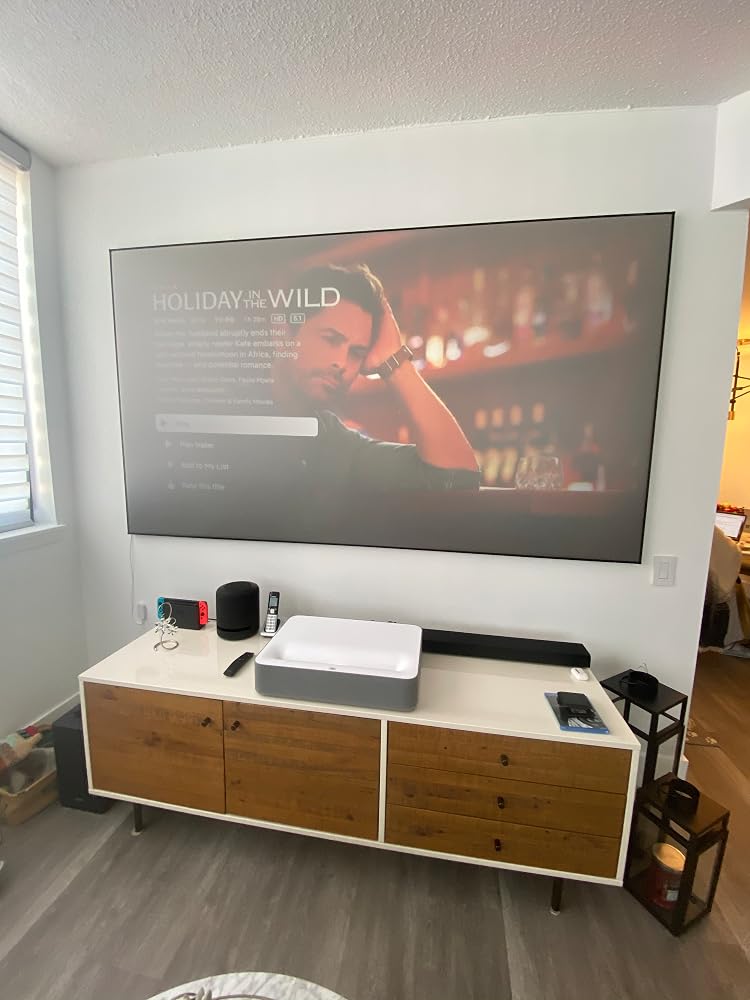
Bottom line, this screen produces amazing picture quality and images from my Vava Ultra Short Throw Laser Projector. Screen size I have is 103 inches. I have no regrets purchasing this product. But keep in mind that assembly is time-consuming and very tedious. Took around 5 hours to fully assemble and hang on the wall. One thing that bothered me was that the manufacturer gave a link to an assembly video, which contradicted the written instructions that came with the screen. For example, the video showed two people rolling out the screen with no gloves, yet two pairs of gloves are enclosed with the screen, as you cannot touch the screen without wearing gloves. The video showed one person attaching the springs from the frame to the screen, by himself, and starting from one end of the screen, whereas the written instructions clearly indicated that you need two people, each starting at the center of the screen, then attaching the springs from the screen to the metal frame. It is most frustrating to be left confused while trying to figure out the correct way to assemble this. We wound up following ONLY the written instructions. Once all the springs were installed, we had to remove them all and take apart the frame as well and start the whole process over, because it was not lined up correctly. Second time around, it was fine and now we can finally enjoy the screen. I enclosed some images with all lights off and all lights on, and you can see the picture remains bright and crystal clear in any light setting, the reason we needed the AEON CLR 2 screen. We tried a much less expensive white screen initially, but it was quickly returned, as the picture was very washed out. White screens are necessary if you have a home theatre room with no windows or lights, so as to get the best picture. In rooms like mine (the living room, with windows and lights), you need this screen or some type of ALR screen. I was tempted to take off one star for the conflicting directions, but in all honesty, I am very pleased with the product. Just would ask the manufacturer to provide more clear and consistent instructions with this product. And remember, despite some reviewers claiming to have assembled this in 20 minutes or in some short amount of time, I find that very hard to believe. Plan on spending at least a few hours with two people, and if you complete the assembly in less time, that’s great. But don’t think it will take little time and then become frustrated that it is taking longer. Hope you enjoy this magnificent screen as much as I am.
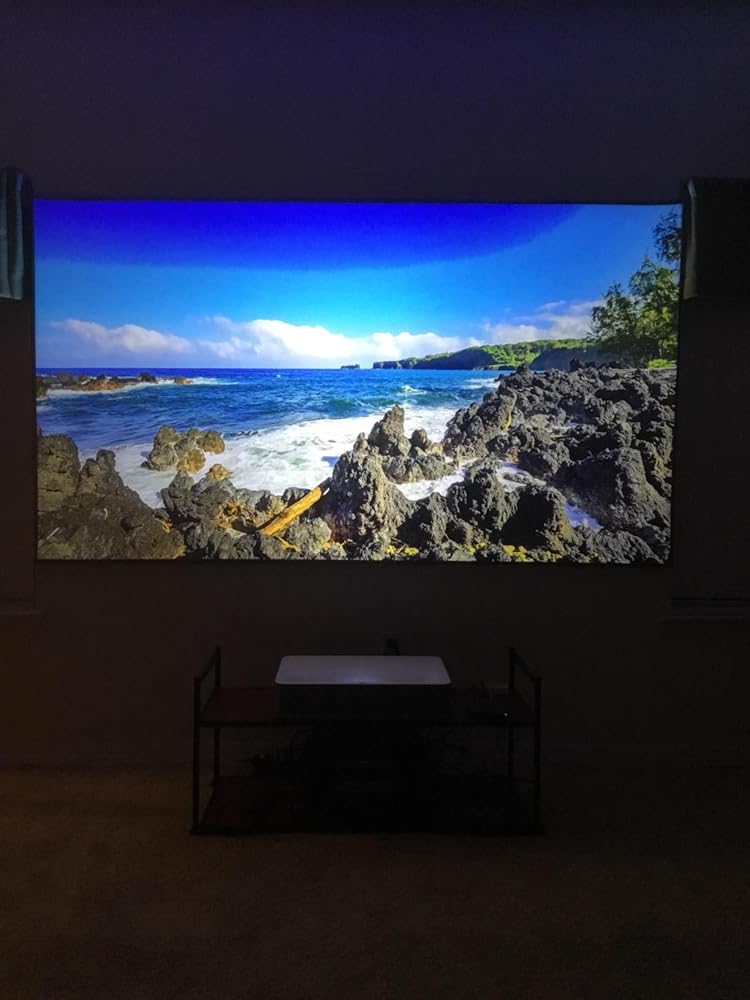
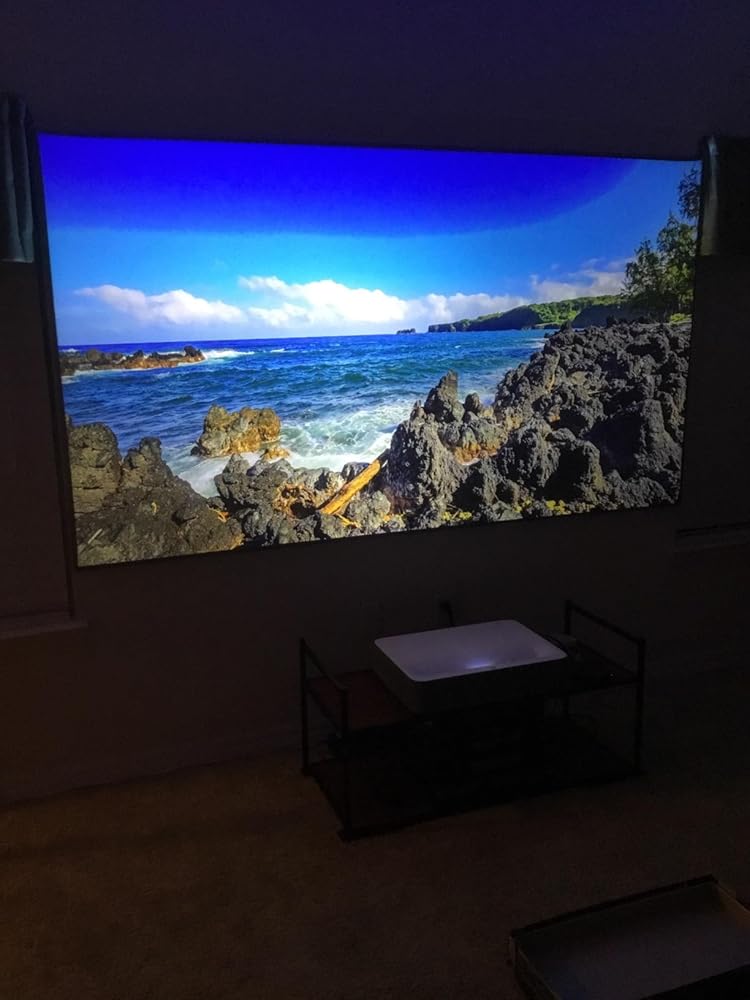
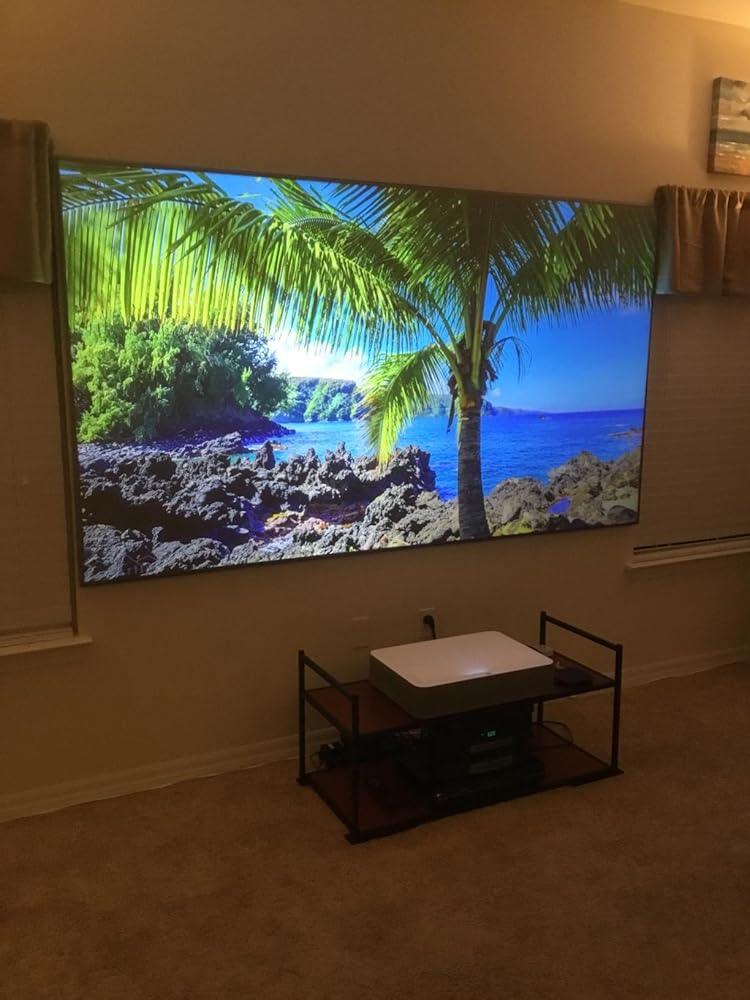
Mine is a 100”. It comes with an LED backlighting system that I didn’t wish to install. The screen assembly instructions recommend two people to do the assembly and mounting. I agree. If you have never assembled a similar screen before, set aside a couple of days. Take your time. Rest before you are fatigued. It can be maddening but a good result pays big dividends. If your walls aren’t perfectly flat the screen won’t be flat either. We used washers with the screws holding the mounting brackets and wedges of hardwood floor protecting material used for furniture for squaring the screen mounted on the wall. To get a great picture from a UST projector recognize the screen is a three dimensional mounting problem, not just two dimensional, the frame is light and aluminum so it


I bought this to pair with my Optoma P2. It’s really mind blowing how amazing and large the picture is. I bought the 100” screen. I have no regrets paying for this. I would buy it again.
New screen looks great! Paired it with an Optoma Cinemax P1 and you can tell a huge difference between this CLR / ALR screen and both a painted wall and a regular 1.0 gain white matte screen. It can't reject 100% of all ambient and ceiling light, so it's not going to mimic an OLED TV in terms of darkness and black levels, but it looks exactly like a 100" LED tv flush on the wall.With gain at 0.6, it doesn't reach the brightness of a 1.0 white screen, but the color depth and daytime viewability are more than worth it. At night, it absolutely sings, looking like a flat panel TV. Gorgeous screen.I received the spring tension version which I prefer 100% over the velcro. Setup wasn't very that easy, but it wasn't very difficult either (full disclosure, I enlisted a friend who used to hang signs and lights for a living). Hardest part is getting the track on the bottom bracket and then getting it on the top bracket. It comes with two pairs of gloves, but they're for smaller hands, so I had to pick up another pair at the hardware store.It comes with an LED edge lighting kit with remote; great inclusion and seemingly good quality but I didn't install it because I don't want it haha. I may find another use for it somewhere.
best Short throw projector screen ever
We love the image and enjoy every time watch movies or series. The details in the images is awsome
As advertised looks great and works exellent with a light it roomTake some time to built but you plus a friend will do it it took 1 hr to us
I just received the screen and it is amazing! I had an issue with shipping and the customer service was absolutely awesome. The screen is not as difficult to install as some of the comments make it seem.
Great picture quality. It does help "a tad" with ceiling light and "a smidge" with ambient lighting (not straight on, you can't have lamps on next to you)
The media could not be loaded.
Not difficult to set up, everything arrive ok, well package, Led lights are included, also easy to set up, no missing parts, screen looks beautiful , the brightness is not the best after calibrate the USH samsung projector, but overall so far is good
It seems a bit pricy, but once you use this short throw only screen compared to any others, it’s completely worth it. The picture quality is amazing in a dark room, but it really shines in a well lit room with very nice brights and still deep blacks.
This screen is absolutely fantastic! I have it paired with the LG PF1000u. After tweaking the settings, the picture is bright enough and sharp enough to meet my expectations. I was getting tired of small, expensive LED tv's and this screen/projector has made me a believer! The only negative about this package is the LED light strip does not stay in place. I'm going to have to apply some different adhesive.
Wow! Being a SI zero edge blackdiamond owner, was doubting getting this for my new short throw projector because I had seen one in person but I’m soooo glad y chose to get this Elite screen! Aesthetically it looks amazing just as good as an LED screen turned off and on is absolutely amazing even with a $700 dlls 1080p projector without crazy lumens, improves image exponentially from regular screens. And way way way more cheap in price than SI and equal quality in my experience owning both.
Paired it with my Optoma Cinemax P2 projector. Considered the Strarbright CLR 120inches version screen (as it has increased brightness) as well, but it was over 1200 bucks and was not available in Amazon. The 120 justified (read: compensated for the buyer's remorse) it when pitted against the likes of LG CX 77inches OLED also in similar neighborhood but considering I already sunk close to 3.4K on the P2, the 120 makes me wonder if the pricier LG would have been better... I digress.Pros:* 1 person can assemble it in under 3 hours. Followed the one in youtube. You get the cool Interstellar BGM as well :)* May need an extra hand to hang it on the wall. My teenage daughter helped me* Packaging was extremely good and well thought out. Just roll it down the floor and set the frame on it* Performs well as expectedCons:* I don't have the Starbright CLR version but if you have a lot of ambient light and if can afford that one, go for it (as the gain on it seems to be better)* OLEDs are closing the gap on the 100 inch version. No match to even my 10yrs old Sony XBR 1080p full-array LED TV when it comes to brightness


![[Elite Screens] Aeon CLR 2 Series - Shop Elite Screens](http://shop.elitescreens.com/cdn/shop/products/AeonCLR2_Front.jpg?v=1759292769&width=1445)


![[Elite Screens] Aeon CLR 2 Series - Shop Elite Screens](http://shop.elitescreens.com/cdn/shop/files/Aeon_CLR2_app05.jpg?v=1759292770&width=1445)
![[Elite Screens] Aeon CLR 2 Series - Shop Elite Screens](http://shop.elitescreens.com/cdn/shop/files/Aeon_CLR2_app04.jpg?v=1759292770&width=1445)
![[Elite Screens] Aeon CLR 2 Series - Shop Elite Screens](http://shop.elitescreens.com/cdn/shop/files/Aeon_CLR2_app03.jpg?v=1759292770&width=1445)
![[Elite Screens] Aeon CLR 2 Series - Shop Elite Screens](http://shop.elitescreens.com/cdn/shop/files/Aeon_CLR2_app02.jpg?v=1759292770&width=1445)
![[Elite Screens] Aeon CLR 2 Series - Shop Elite Screens](http://shop.elitescreens.com/cdn/shop/files/Aeon_CLR2_app01.jpg?v=1759292770&width=1445)
-
![[Sample] Screen Material - Shop Elite Screens](//shop.elitescreens.com/cdn/shop/files/sample_material.jpg?v=1748912350&width=3200)
Screen Material Sample
Order now -

Elite Screens Support
Contact Us -
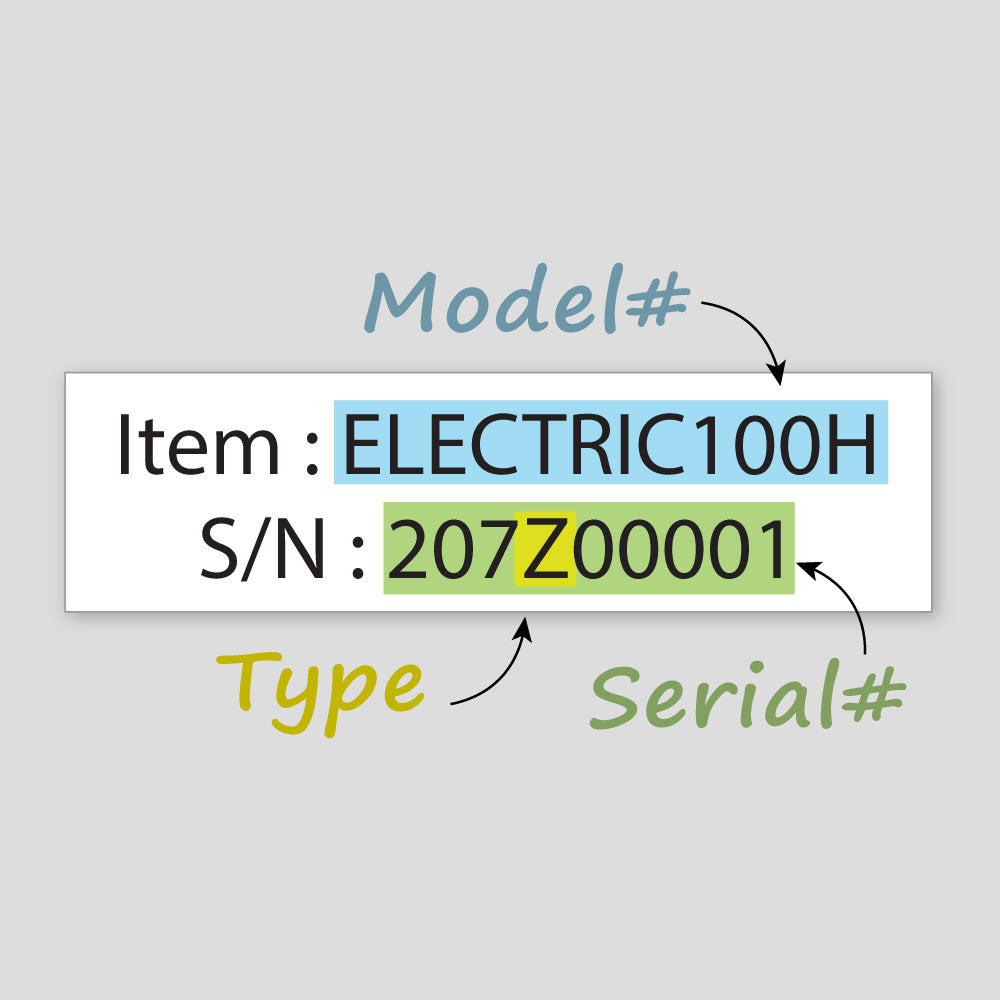
Finding Serial Number
See details -

![[Sample] Screen Material - Shop Elite Screens](http://shop.elitescreens.com/cdn/shop/files/sample_material.jpg?v=1748912350&width=3200)
